Kling V2.5 Turbo Pro
Kling 2.5 Turbo Pro: Unlock pro-level text-to-video and image-to-video creation with smooth motion, cinematic depth, and remarkable prompt adherence.
No workflow setup required · Fully customizable in AI-Flow
What This App Does
Generate stunning videos from text or images with Kling 2.5 Turbo Pro. Experience smooth motion, cinematic depth, and high prompt adherence. Perfect for creators seeking professional-quality video content with AI.
How to Use the App
Here’s what you get when you open the app: a short form, one run button, your results — no nodes, no setup.
Kling V2.5 Turbo Pro
App previewFill in the form
Prompt
RequiredType your prompt…
Aspect Ratio
16:9
Duration
5
Negative Prompt
Type your negative prompt…
Start Image
Add images or files
≈ 35–70 credits / run
Get your result
Real output generated with this app
Under the Hood
Want more control?
This app is powered by a fully editable AI-Flow workflow. Change the model, prompts, layout, resolution — or connect it to other steps.
File

Text
A man in a trench coat holding a black umbrella walks briskly through the streets of Tokyo on a rainy night, splashing through puddles. A handheld follow-cam shot from his side and slightly behind. The focus is locked on the man, while background neon signs...
Kling V2.5 Turbo Pro
How to Use This Template
Step 1: Enter your text in 'Text' Node
In the 'Text' node, enter your instructions.
A man in a trench coat holding a black umbrella walks briskly through the streets of Tokyo on a rainy night, splashing through puddles. A handheld follow-cam shot from his side and slightly behind. The focus is locked on the man, while background neon signs blur into beautiful bokeh. Cyberpunk aesthetic with a film noir quality; the mood is mysterious and lonely. The pavement is slick and wet, reflecting the vibrant neon signs. Individual raindrops are visible, and a light fog hangs in the air.
Step 2: Upload your file
In the 'File' node, upload the file you want to process.
Step 3: Run the Flow
Click the 'Run' button to execute the flow and get the final output.
Customize the underlying workflow
Open the full workflow in the AI-Flow editor to swap models, rewrite prompts, or connect it to other steps.
Ready to create?
Start using this app
No workflow setup required — open the app and start creating in minutes
You Might Also Like
Explore other powerful templates to enhance your AI workflow
Gemini Omni 1.1 Flash
Create cinematic AI videos from text, images, or existing footage with Gemini Omni 1.1 Flash—multimodal text-to-video, image-to-video, and video-to-video with native sound design and coherent, real‑world motion.
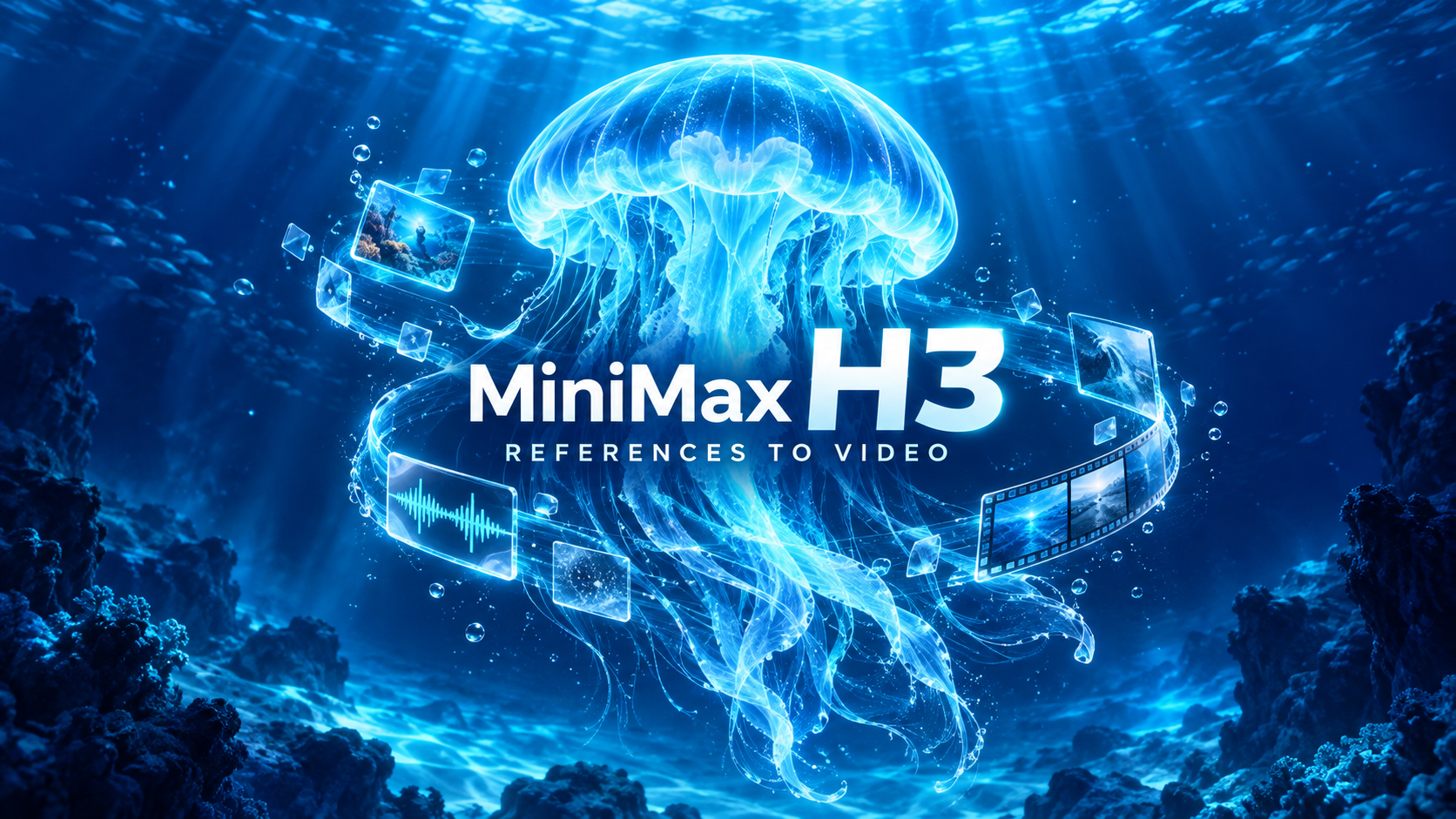
MiniMax H3 References to Video
Generate 2K videos from multimodal references with MiniMax H3. Guide subject, style, motion, and audio using up to 9 images, 3 video clips, and 3 audio clips cited by order in your prompt.
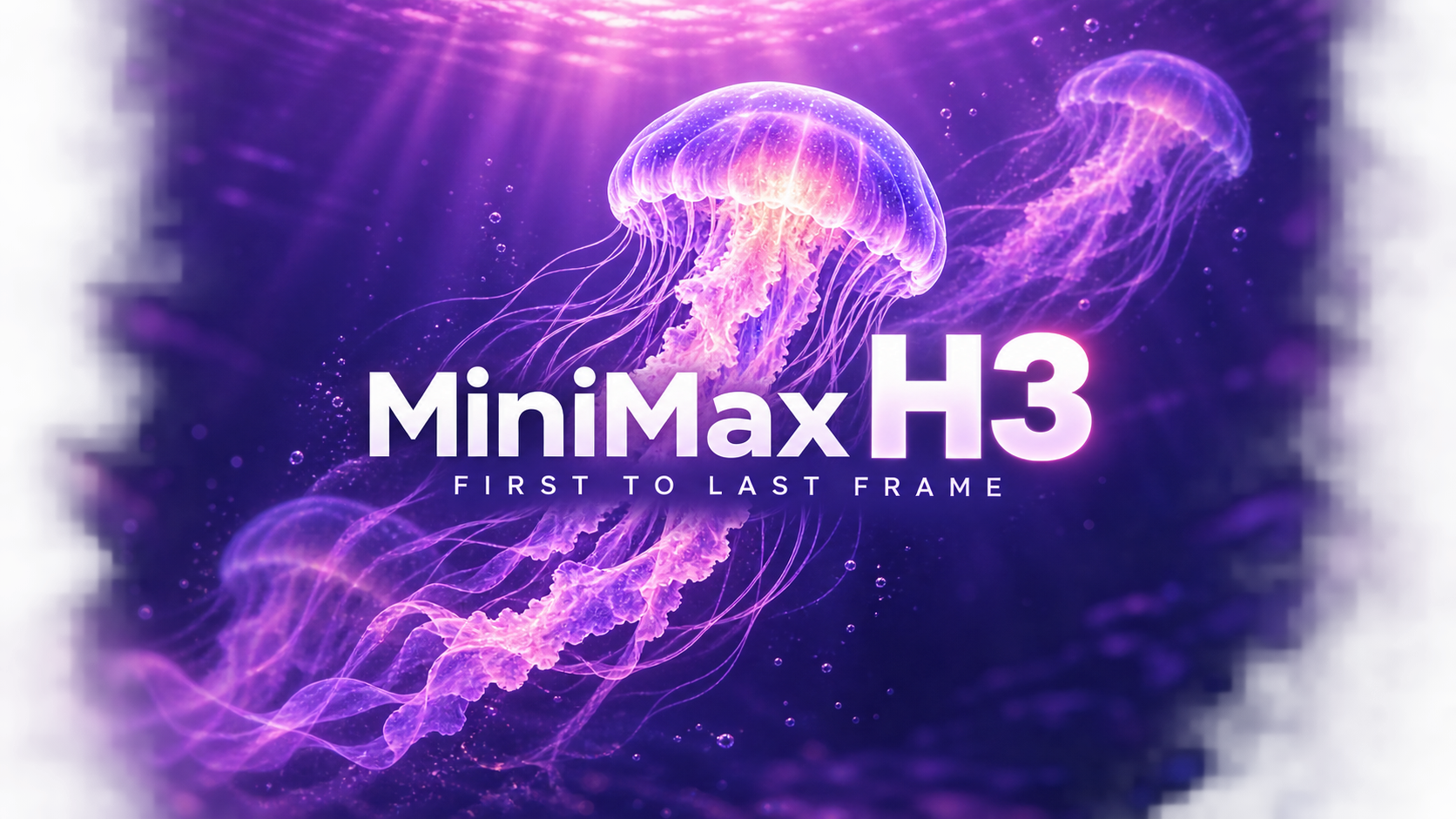
MiniMax H3 - First to Last Frame
Animate a first frame into a coherent 2K video (5–15s) with optional last frame matching, prompt-directed motion, and native stereo audio using MiniMax H3.
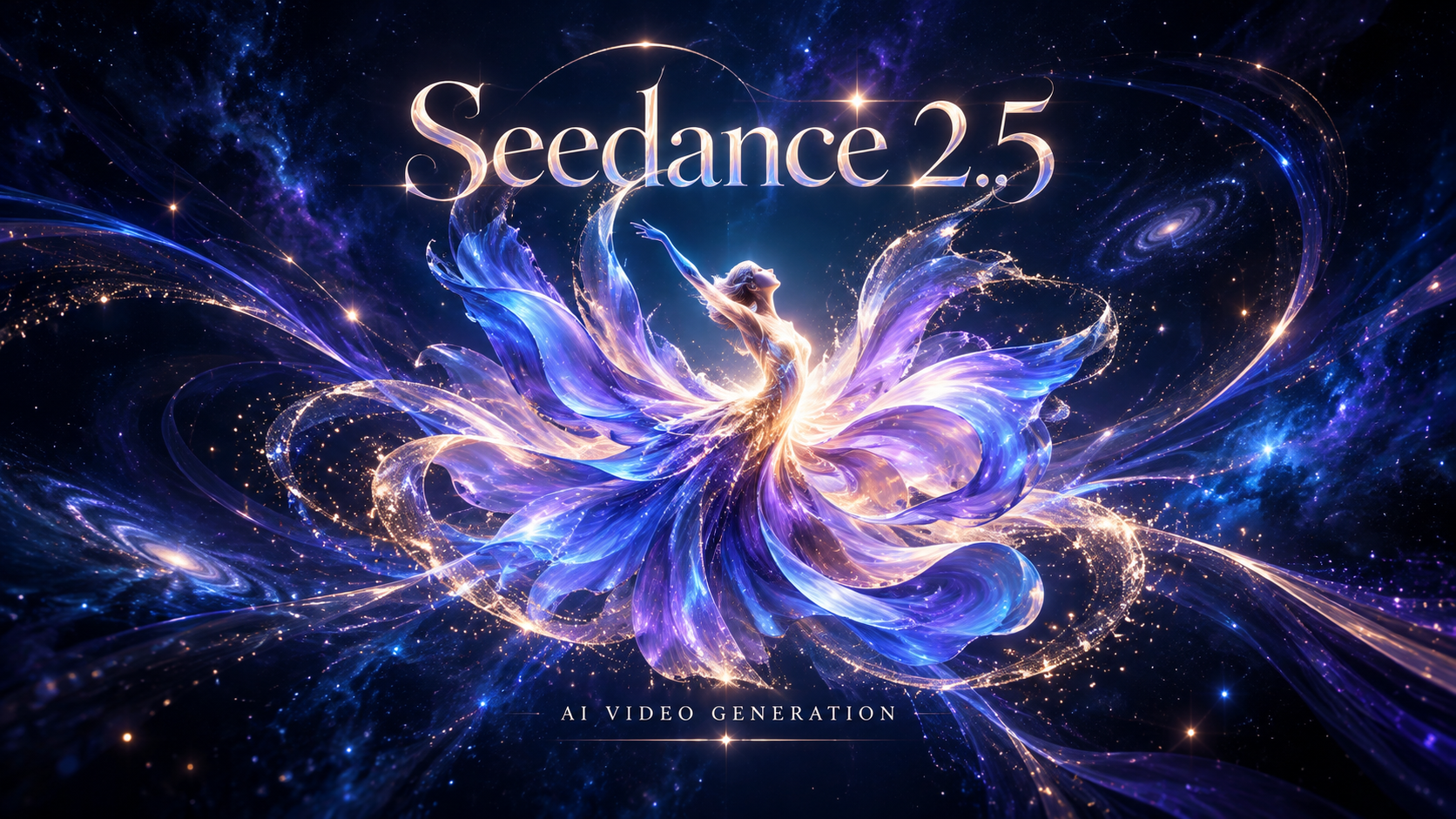
Seedance 2.5
Generate high-quality, audio-synced videos up to 30 seconds from text, images, video clips, and audio with ByteDance’s Seedance-2.5 multimodal model.
Gemini Omni Flash
Create cinematic AI videos from text, images, or existing footage with Gemini Omni Flash—multimodal text-to-video, image-to-video, and video-to-video with native sound design and coherent, real‑world motion.
Seedance-2.0-mini
Lower-cost, high-volume text-to-video and image-to-video generation with multimodal references and native, synchronized audio at up to 720p.
Frequently Asked Questions
What is AI-FLOW and how can it help me?
AI-FLOW is an all-in-one AI platform that allows you to build, integrate, and automate AI-powered workflows using an intuitive drag-and-drop interface. Whether you're a beginner or an expert, you can leverage multiple AI models to create innovative solutions without any coding required.
Is there a free trial available?
Yes, AI-FLOW offers a free trial to get you started. After that, you can purchase credits as needed—no subscription or long-term commitment required.
Can I integrate my API keys from providers like OpenAI and Replicate with AI-FLOW Cloud Version ?
Yes, you can easily integrate your existing API keys with AI-FLOW. If specified, nodes related to the API key provided will use your API key, significantly reducing your platform credit usage.